I’m building a lab around the full life of a learning activity, from research and scripting to course delivery and a learner’s first attempt.
EDTECH LAB / PROYECTADOR
A lab for learning in practice
A place to explore how a learning idea becomes something people can understand and use. The lab brings together education, creative work and thoughtful technology.
A conceptual illustration of connected learning.01
Scripts, visual explanations and AI-assisted drafts
Create and explain
I develop and revise learning materials, combining human judgment with tools. The Science of Joining Metals is a documented example: a script and visual adaptation with captions and a readable transcript.
02
Devices, access and participation
Try the learner journey
I consider what a learner needs to find, understand and use an activity across computers, tablets, phones and different input methods. Keyboard, touch and screen-reader walkthroughs are planned checks, not a claim of completed accessibility certification.
03
Learning platforms, support and evidence
Deliver and reflect
I connect lesson design to onboarding, facilitator support and the practical work of delivery. Moodle and H5P are possible directions for future tests; I record decisions and next steps before presenting a pilot as complete.
From a script to a learner
The Science of Joining Metals began as a 2024 script and was revised in 2026. The example uses English narration, conceptual visuals, a reflective question, and selectable captions and transcripts in four languages. The question invites reflection; it is not a scored assessment.
A useful scope for a learning team
A possible project starts with one lesson or participant journey. Together we can map the materials, communication and handoffs; agree on two or three improvements; and prepare a concise checklist for the people who will deliver the program. Scope and cost depend on the work agreed.
A closer look at the moving parts
Timed captions use WebVTT: each cue pairs text with a time range so it appears alongside the video. The readable transcript offers another way to follow the material.
A proposed review can check keyboard navigation, touch, caption timing and clear instructions. These are planned checks, not a claim of completed accessibility certification.
Moodle was used in the INELI learning program. H5P is a possible direction for a future experiment; neither is presented as an installed system here.
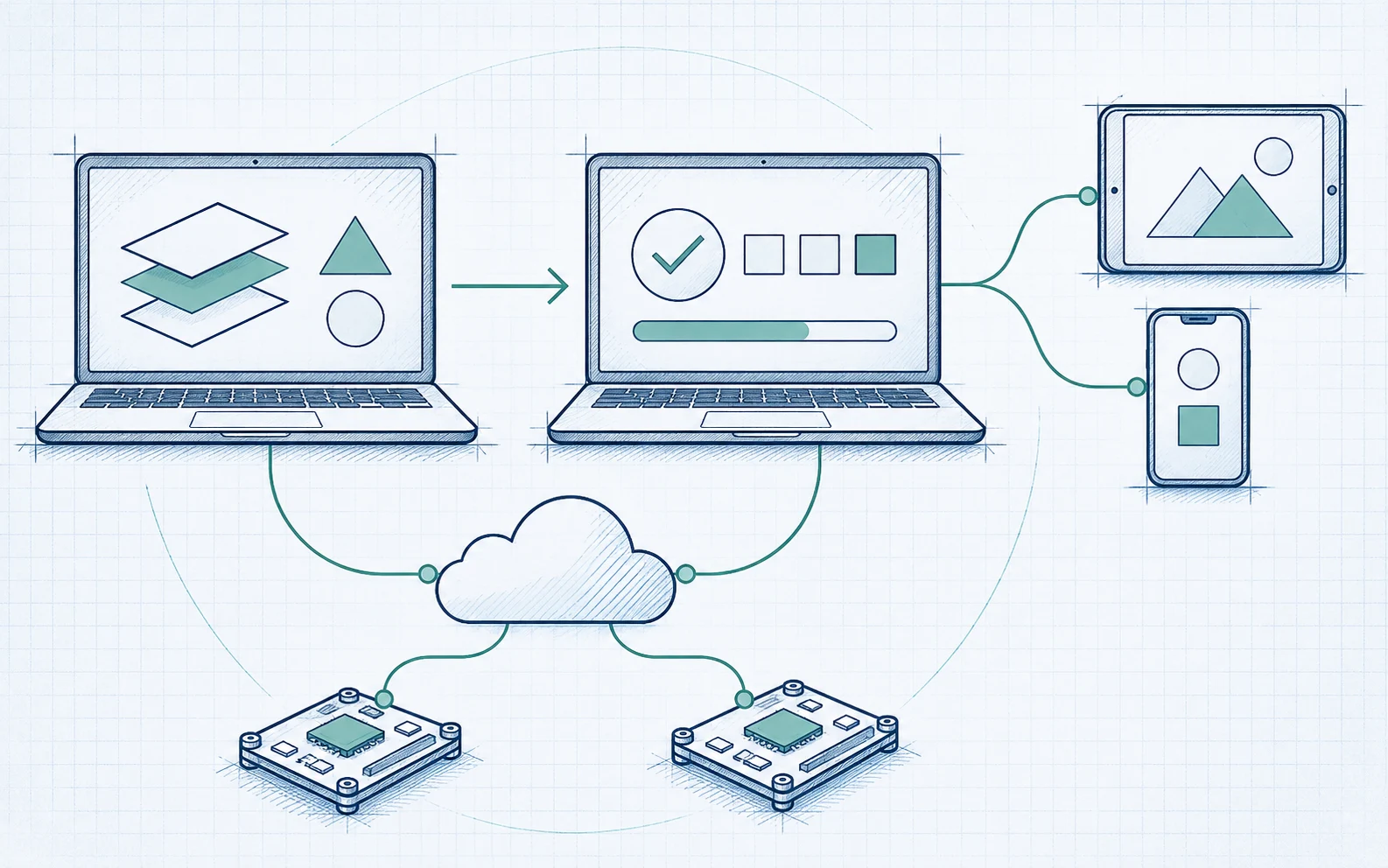
Conceptual illustration of a learning lab; not a diagram of a real device setup.
Inside the learning experience
A closer look at the choices behind a lesson, and how a team can maintain them.
From video to captions
The Joining Metals page uses a video element with a separate WebVTT caption file for each language. Each cue tells the player when to display text. A readable transcript gives another way to follow the lesson. After a video edit, captions and translations need to be checked again for timing and meaning.
Getting an activity into a learning platform
A course can link to a webpage or video. A SCORM package can report information such as completion to a compatible learning management system (LMS). LTI is a different standard for connecting a learning platform to an external tool. Compatibility and reporting depend on the systems involved. The Joining Metals sample is a webpage; it is not a SCORM or LTI integration.
A practical test plan
These are examples of checks to plan with a client, not results already achieved.
Context
Possible check
Laptop + keyboard
Find the lesson, start the video and turn captions on without a mouse.
Phone + touch
Read the instructions and open the transcript at a comfortable size.
Screen reader + keyboard
Navigate headings and controls, then check whether each control has a clear name.
Privacy and handoff
For a client project, agree who may access learning data and how long it is kept. Use test accounts and fictional details where possible; obtain permission and remove identifying details before sharing screenshots. A useful handoff can include a short issue log, a maintenance checklist and clear responsibility for the next update.
AI can help explore draft visuals or alternative wording, but a person still checks sources, meaning and accessibility. Client information should only be shared with a tool after its purpose, permissions and privacy settings are agreed.
The lab builds on earlier explorations of creative livelihoods, digital access and making: from Flair Talents research to the 3Ducator concept. These are different projects and stages, connected by a shared interest in how people learn.
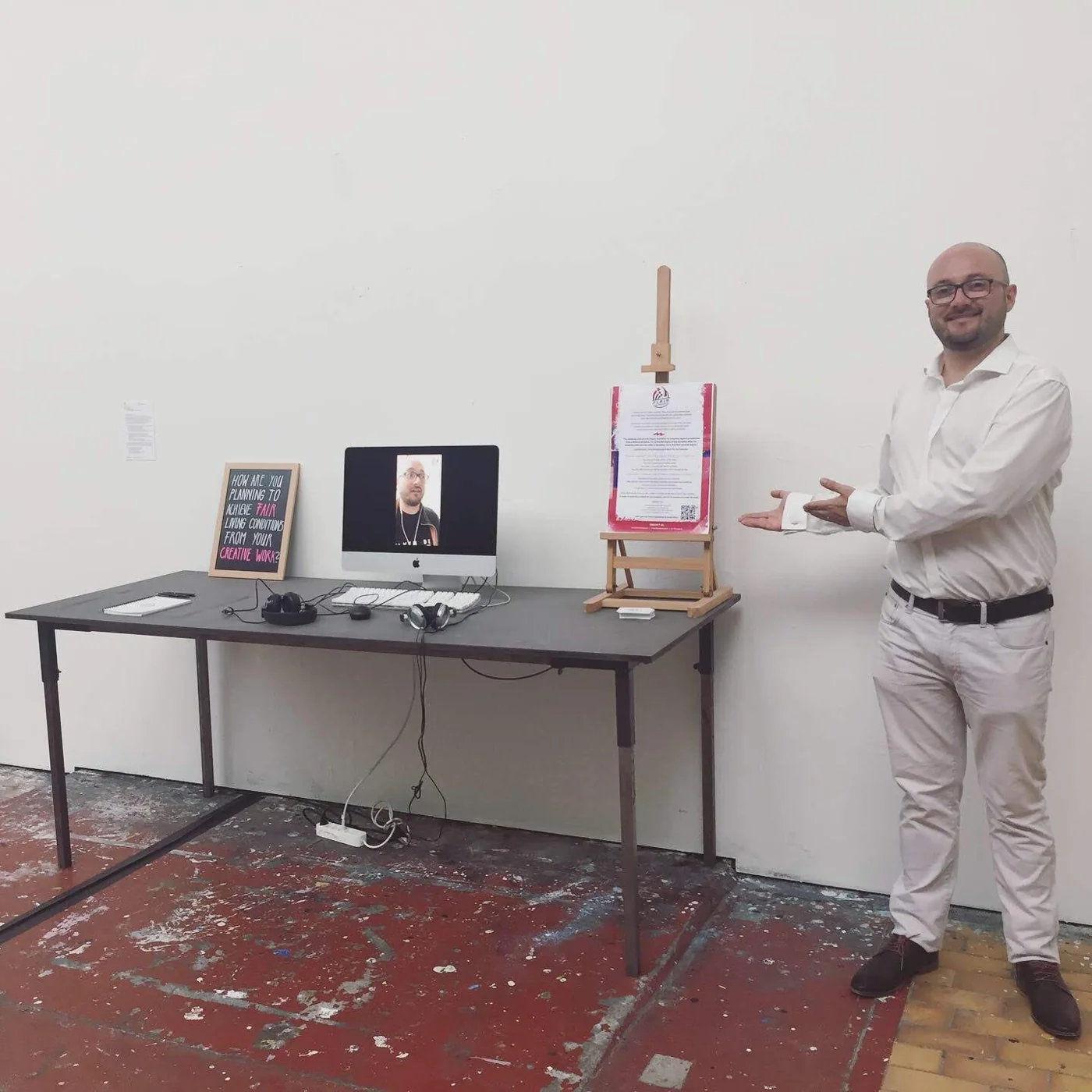
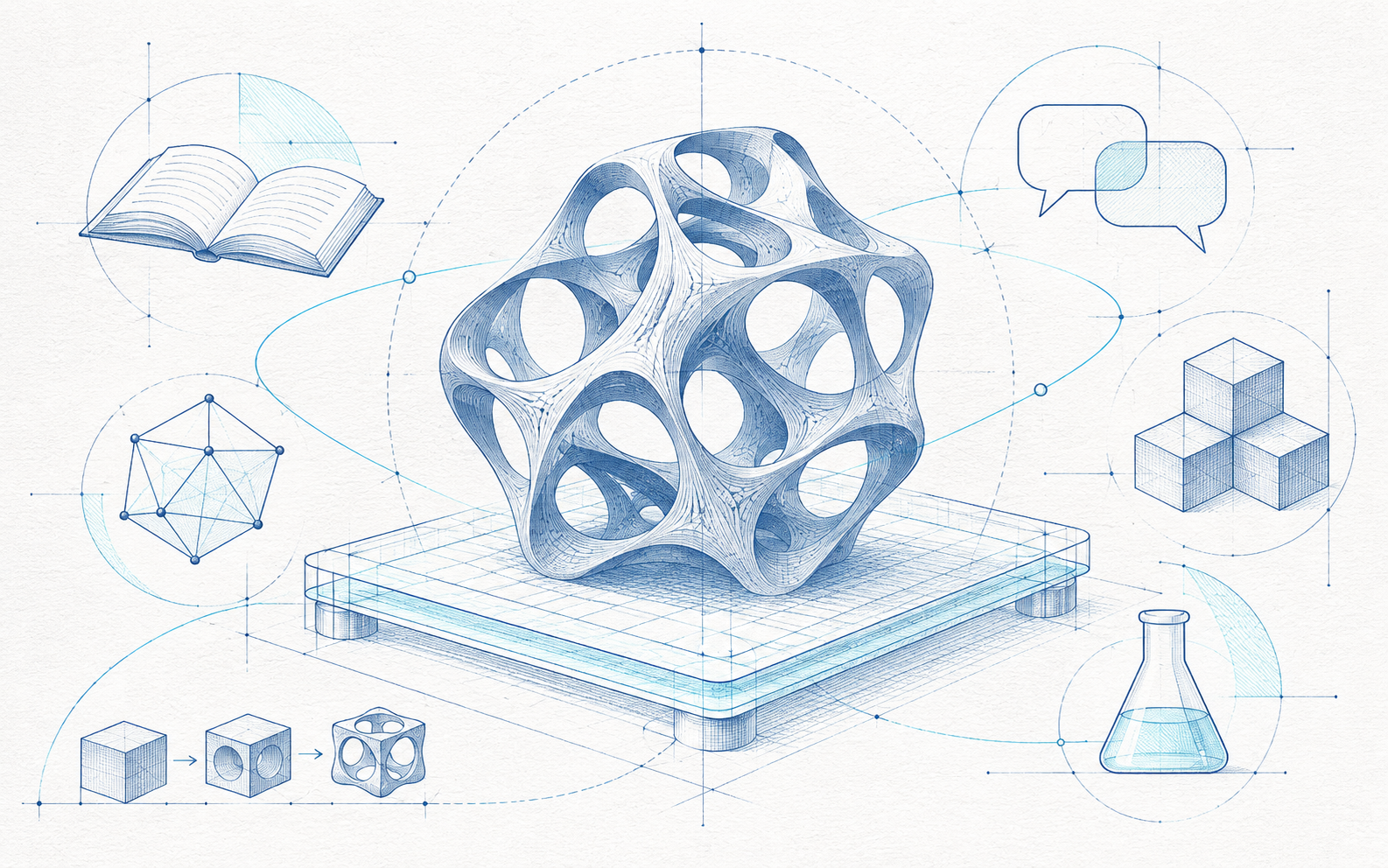
Flair Talents presented at the HKB exhibition.Conceptual illustration of 3D learning.
How the lab supports a project
The work can inform a workshop, a clearer learning resource, a participant welcome or a focused review of learning operations. We begin with a practical question and agree on the scope together.