What makes a great E-learning Developer in 2027?
Clear buttons, accurate captions, useful feedback, and progress that saves correctly: small technical details shape a learner’s experience.
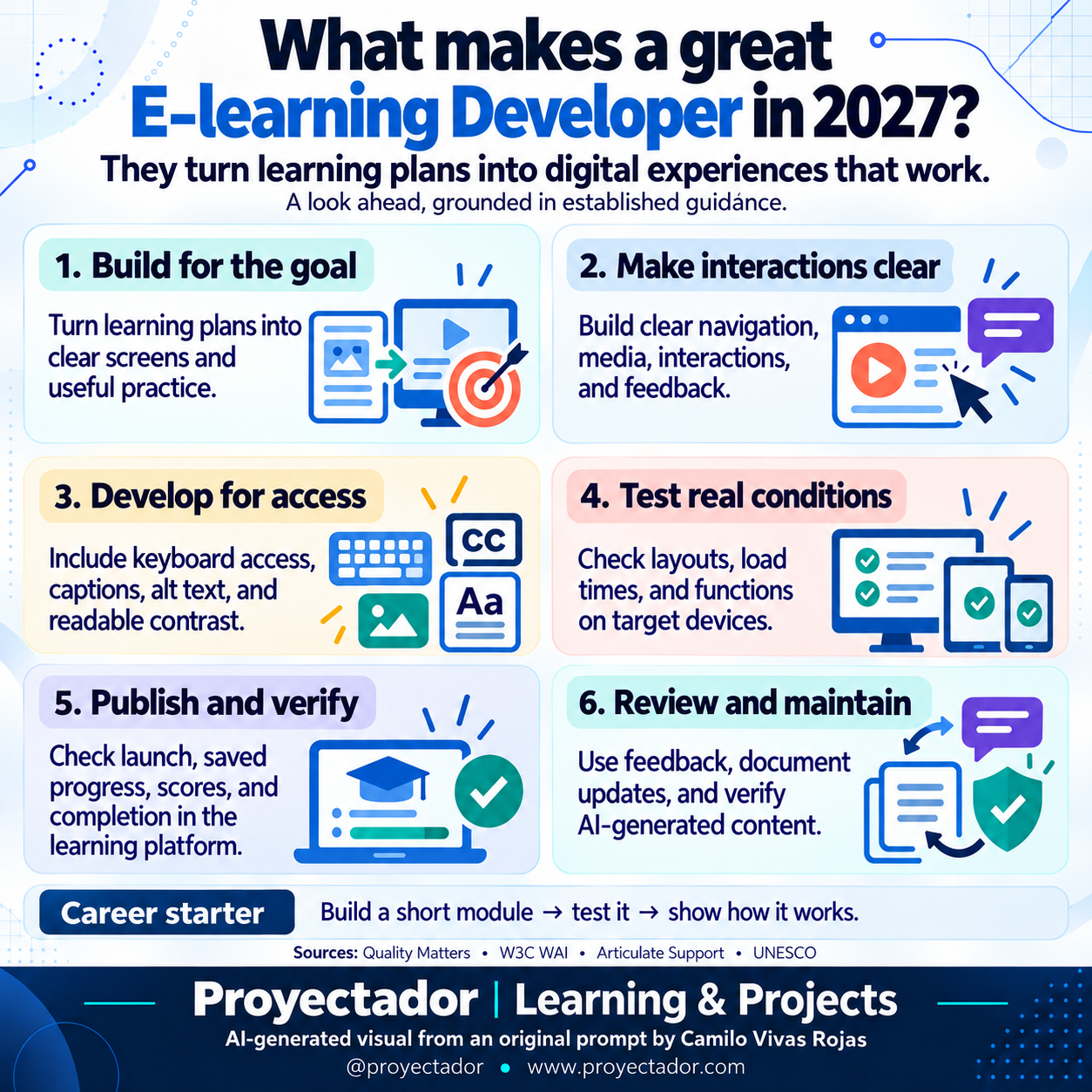
1. Build for the goal. Turn learning plans into clear screens and useful practice.
2. Make interactions clear. Build clear navigation, media, interactions, and feedback.
3. Develop for access. Include keyboard access, captions, alt text, and readable contrast.
4. Test real conditions. Check layouts, load times, and functions on target devices.
5. Publish and verify. Check launch, saved progress, scores, and completion in the learning platform.
6. Review and maintain. Use feedback, document updates, and verify AI-generated content.
A small way to begin
For a first portfolio project: Build a short module → test it → show how it works.
Sources & context
2027 is an editorial outlook based on established guidance, rather than an employment forecast.
- Quality Matters — Higher Education Course Design Rubric
- W3C WAI — Developing for Web Accessibility
- W3C WAI — Accessibility Principles
- Articulate Support — Troubleshooting LMS Issues
- Articulate Support — Mobile content performance
- Articulate Support — Tips for Managing Project Files
- UNESCO — Guidance for generative AI in education and research